
How to prepare your 3D model for printing: the checklist designers wish they had
A practical checklist for preparing STL, STEP, OBJ, and 3MF files for 3D printing, covering scale, wall thickness, tolerances, orientation, materials, and notes.
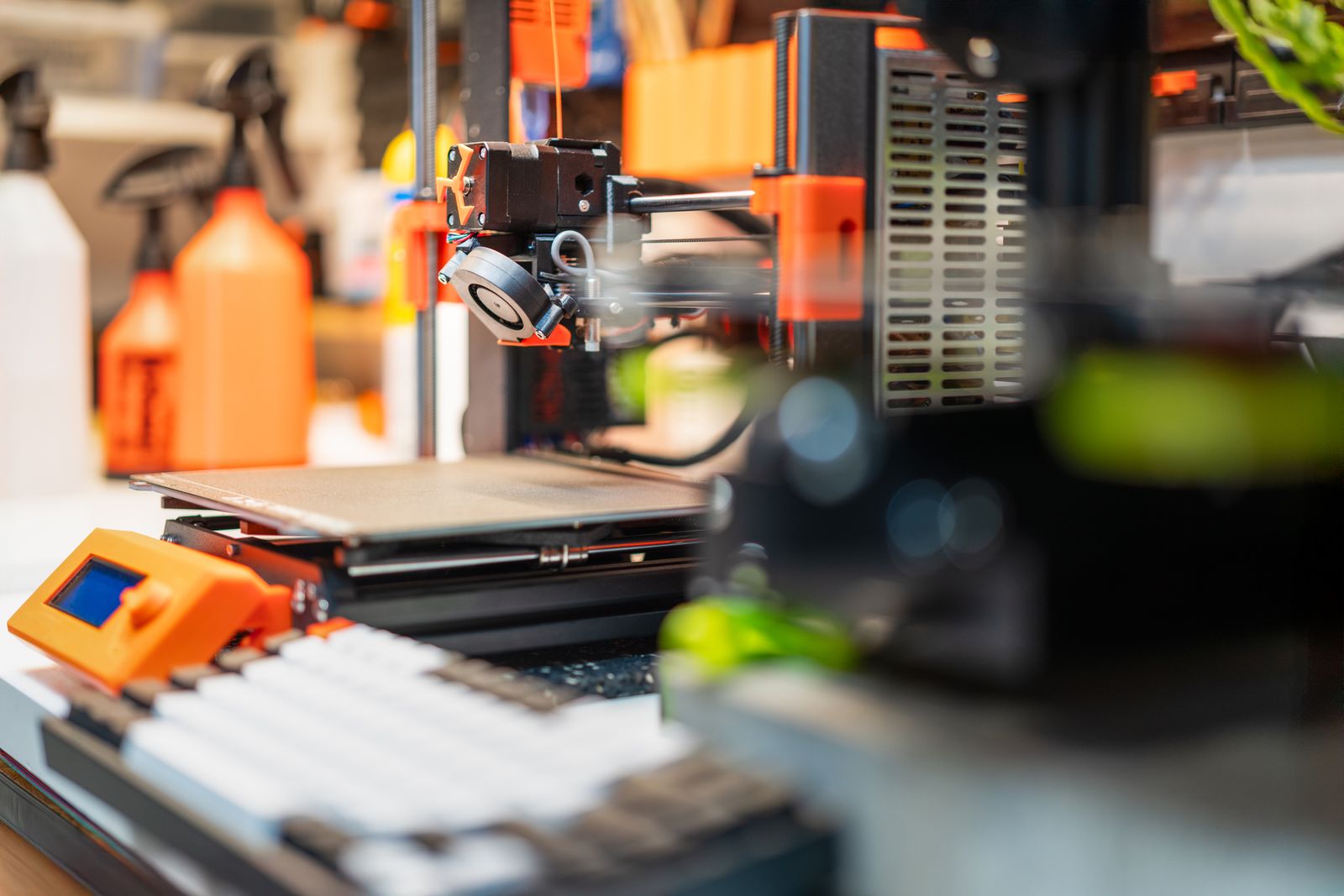
How to prepare your 3D model for printing: the checklist designers wish they had
Short answer: prepare a 3D model for printing by checking scale, units, wall thickness, closed geometry, tolerances, material choice, orientation risks, finish expectations, quantity, and critical dimensions before you send the file.
You do not need to solve every technical detail yourself. If you have a model, you can upload it for review and a quote. A human review can catch practical printability issues before production.
Is the model the right size and unit?
Scale is the first thing to check. A model can look perfect on screen and still export in the wrong unit. Millimeters, centimeters, and inches can cause expensive confusion if the file does not preserve units clearly.
Before sending a file, write the approximate overall dimensions in the quote notes. For example: “about 120 x 80 x 35 mm.” This gives the reviewer a quick sanity check. If the file opens at a wildly different size, the mismatch can be caught early.
Forgefront 3D’s current print volume is about 250 x 210 x 220 mm. If your model is larger than that, it may still be possible to split it into sections, but that should be discussed before quoting.
Is the model watertight and printable?
A printable model should usually be closed, solid, and free of obvious mesh errors. In mesh language, people often call this “watertight” or “manifold.” It means the printer software can understand what is inside and outside the object.
Common problems include holes in the mesh, flipped surfaces, paper-thin walls, overlapping geometry, tiny loose fragments, and details too small to print reliably. These issues are especially common with sculpted models, scans, and exports from visual 3D tools.
If you are exporting from CAD, STEP can be useful for review. If you are exporting from a mesh or sculpting tool, STL, OBJ, or 3MF may be more natural.
Are the walls thick enough?
Wall thickness matters because 3D printed parts are physical objects, not just surfaces. Thin walls may break, fail to slice, or print poorly. Small pins, tabs, hooks, and clips also need enough material to survive handling.
There is no universal wall thickness rule for every part. A decorative model, a light enclosure, and a loaded bracket have different needs. Material also matters. PLA, PETG, and ASA behave differently under load, heat, and weather exposure.
If a wall or feature is critical, mention it in the notes. If a part broke before, describe where it failed. That information can guide material selection and orientation.
Have you thought about tolerances and fit?
If the part needs to fit another object, include the critical dimensions. Holes, slots, clips, snap fits, pegs, and mating surfaces need clearance. A hole modeled at exactly 5.00 mm may not behave like a machined 5.00 mm hole after printing.
3D printing is useful for functional parts, but it has process variation. Geometry, material, print orientation, and post-processing all influence fit. If a dimension is important, do not leave it implicit.
For assemblies, it can help to send related parts or a photo of where the print will be used.
Have you chosen material and finish expectations?
If you know the material, say whether you want PLA, PETG, or ASA. If not, explain the use case. PLA is often best for affordable indoor models and prototypes. PETG is better for many functional parts. ASA is useful for outdoor and more demanding parts.
Finish matters too. Standard FDM prints show layer lines. If you need a smoother appearance, say so. If function matters more than appearance, say that too. Painting is not currently offered, but sanding, smoothing, assembly, or cleanup may be discussed depending on the part.
What notes should you include with the file?
Good notes make quoting faster. Include what the part does, where it will be used, material preference, color preference, quantity, deadline, finish expectation, and whether you prefer pickup in Prague or EU shipping.
If you do not have a file, you can still start with sketches, measurements, photos, or a description. Modeling from scratch is possible for an additional cost.
When ready, send the file through the quote form. Quote replies typically arrive within one business day, while production and delivery depend on the job.
Quick pre-send checklist
Before submitting, do one final pass: confirm the file opens, confirm the rough size, name the material if you know it, mark critical dimensions, describe the use case, and add a deadline if there is one. This does not need to be formal. A few clear notes can prevent a long email chain and make the quote more accurate.
FAQ
What file format is best for print review?
STEP is often helpful for CAD-designed functional parts. STL, OBJ, and 3MF are also accepted and may be better for mesh-based models.
Can a bad STL file be repaired?
Sometimes. Basic review is part of quoting, and repair or redesign can be discussed if the model needs extra work.
Should I include dimensions even if the file has scale?
Yes. Approximate dimensions are a useful sanity check and help prevent unit mistakes.